The front desk was running five apps at once.
A guest sends a WhatsApp message asking about parking. A Booking.com inquiry comes in about a late arrival. A third guest calls the desk asking whether housekeeping can come early. The agent handles all three — but across three separate apps, three separate logins, and three separate notification streams. By the time WhatsApp gets a reply, the guest has already figured out parking on their own, and the chance to sell a guaranteed spot is gone.
This is the daily reality at most independent and mid-scale properties. The problem isn't that the front desk is understaffed. The problem is the tools don't talk to each other, so every conversation requires a context switch. Hotel front desk software exists to close that gap — but the category covers a lot of ground. Knowing which piece of the stack matters most for your operation is the first decision to get right.
What hotel front desk software actually does.
"Hotel front desk software" is a catch-all term for the tools that run day-to-day property operations — from managing reservations and room assignments to handling every message a guest sends between booking and checkout.
The category includes property management systems, communication platforms, task management tools, check-in systems, and revenue software. Most properties run some version of all five. The question isn't which category to buy. The question is which layer of the stack is creating the most friction right now, and which upgrade will actually be used by the people at the front desk every day.
Why the communication layer matters more than operators expect.
Guests contact properties across more channels now than at any point in the history of hospitality. SMS, WhatsApp, web chat, Airbnb, Booking.com, Vrbo, Expedia, email, social — a mid-size property might receive guest messages across six or more of these in a single day. Most property management systems were not built to consolidate these channels. They handle room state, billing, and reservations. They were not designed to replace a messaging inbox.
The result: front desk agents monitor the PMS for reservation data and then switch to a separate set of tools to actually talk to guests. When those tools aren't consolidated, response times slow down, messages get missed, and the quality of communication varies by whoever happens to be at the desk. Research from the hospitality industry consistently shows that response time is one of the strongest predictors of guest satisfaction scores — and satisfaction scores drive review volume.
Five categories of hotel front desk software.
Every piece of software sitting at (or behind) the front desk falls into one of these categories. Know the job each one does before evaluating any vendor.
1. Property management systems (PMS). The system of record for reservations, room assignments, housekeeping status, and billing. The PMS holds the data; it does not handle guest communication.
2. Unified inbox and guest messaging tools. Platforms that pull all guest channels into a single screen so front desk staff aren't switching between apps. The best ones include AI assistance so routine questions get answered automatically, and escalation routing so anything complex goes to the right person without falling through the cracks. The best of those let staff ask the agent directly instead of digging through a binder.
3. Digital check-in and mobile key platforms. Tools that let guests complete the check-in process from their phone before arrival, receive a digital key, and skip the front desk line entirely. Reduces queue pressure on high-arrival days.
4. Task management and housekeeping tools. Work order and ticket systems that route maintenance requests, housekeeping schedules, and service requests to the right department. Often triggered by guest messages: when a guest texts "the AC isn't working," someone needs to create a ticket.
5. Revenue management systems. Dynamic pricing and forecasting tools that adjust room rates based on demand, competitor rates, and historical patterns. Typically used by revenue managers, not front desk staff.
Six things to look for when evaluating hotel front desk software.
These criteria apply regardless of which category you're evaluating.
1. What channels does it actually cover? For communication tools, coverage matters. If a platform handles SMS but not Airbnb messages, your front desk still needs a second tab. Confirm the full channel list before demoing.
2. Does it connect to your PMS? Any front desk tool that doesn't share data with your PMS creates a reconciliation problem. Ask vendors to show you a live PMS sync during the demo, not a slide about one.
3. How fast can it actually be deployed? "Enterprise onboarding timelines" measured in months are a deal-killer for most independent operators. Ask for average time-to-live from signed contract to first production message.
4. Does it include AI assistance for routine questions? If your front desk is still manually answering "what's the Wi-Fi password" and "what time is check-in," that's recoverable time. Look for tools where AI drafts responses and staff approves — rather than staff writing every reply from scratch.
5. Can it route tasks to housekeeping and maintenance? Guests report problems via message. If the tool can't convert that message into a task routed to the right department, someone has to do that manually. Look for native task creation.
6. Is it something your staff will actually use? Feature count is less important than daily usability. Ask to observe a demo with the workflow your busiest front desk shift would actually run. If it takes more steps to handle a guest message than the current approach, adoption will be low.
Five mistakes that slow down front desk operations.
Operators who've been through a front desk software evaluation recognize these quickly.
1. Treating the PMS as the communication layer. The PMS is the source of truth for reservation data. It is not a messaging inbox. Expecting PMS-native messaging features to replace a dedicated communication tool is the most common source of ongoing front desk inefficiency.
2. Evaluating by feature count instead of daily workflow. A platform with 40 features that front desk staff use two of is a training problem waiting to happen. Evaluate based on the five most common tasks your team runs every shift, not on a vendor's feature matrix.
3. Picking a tool that covers only one channel. A pure-SMS platform leaves your WhatsApp messages unanswered. A web chat tool doesn't touch your OTA inbox. Any communication tool that covers fewer than four channels creates a second inbox your team has to check separately.
4. Skipping the AI question entirely. Front desks at independent properties field the same 20 questions every day. Any tool that doesn't have a credible answer for how it reduces that volume is leaving real labor time on the table. Ask every vendor you evaluate: "What percentage of incoming messages does the AI handle without staff intervention?"
5. Adding tools without removing others. Every platform you add without consolidating is a tab, a login, a notification stream, and a training conversation. The goal of a front desk software evaluation should be fewer tools, not more. If a new platform doesn't replace at least one existing tool, question whether it belongs in the stack.
Why the communication problem gets harder as properties scale.
At a single property, a front desk team learns the channels, builds workarounds, and manages. It's inefficient, but it holds.
Add a second property and the workarounds don't transfer. The manager at property two has different habits. OTA messages go to a different inbox. The SMS tool isn't connected to the same PMS. Each property ends up with its own communication stack, and the GM trying to review performance across both properties has no consistent data to look at.
Add five properties and staff turnover starts degrading communication quality. When the agent who knew how to handle Vrbo inquiries leaves, that knowledge leaves with them. The properties that build their communication stack around people rather than systems lose consistency every time someone gives notice.
At that point, a unified communication layer stops being a convenience and becomes an operational requirement. The message needs to get answered whether the front desk is staffed by a ten-year veteran or someone on their third shift.
How Akia handles hotel front desk communications.
Akia is the AI Agent for hospitality. Handling guest messages across every channel, at every hour, is one of the core jobs Akia does. See the full picture of Akia for hotels.
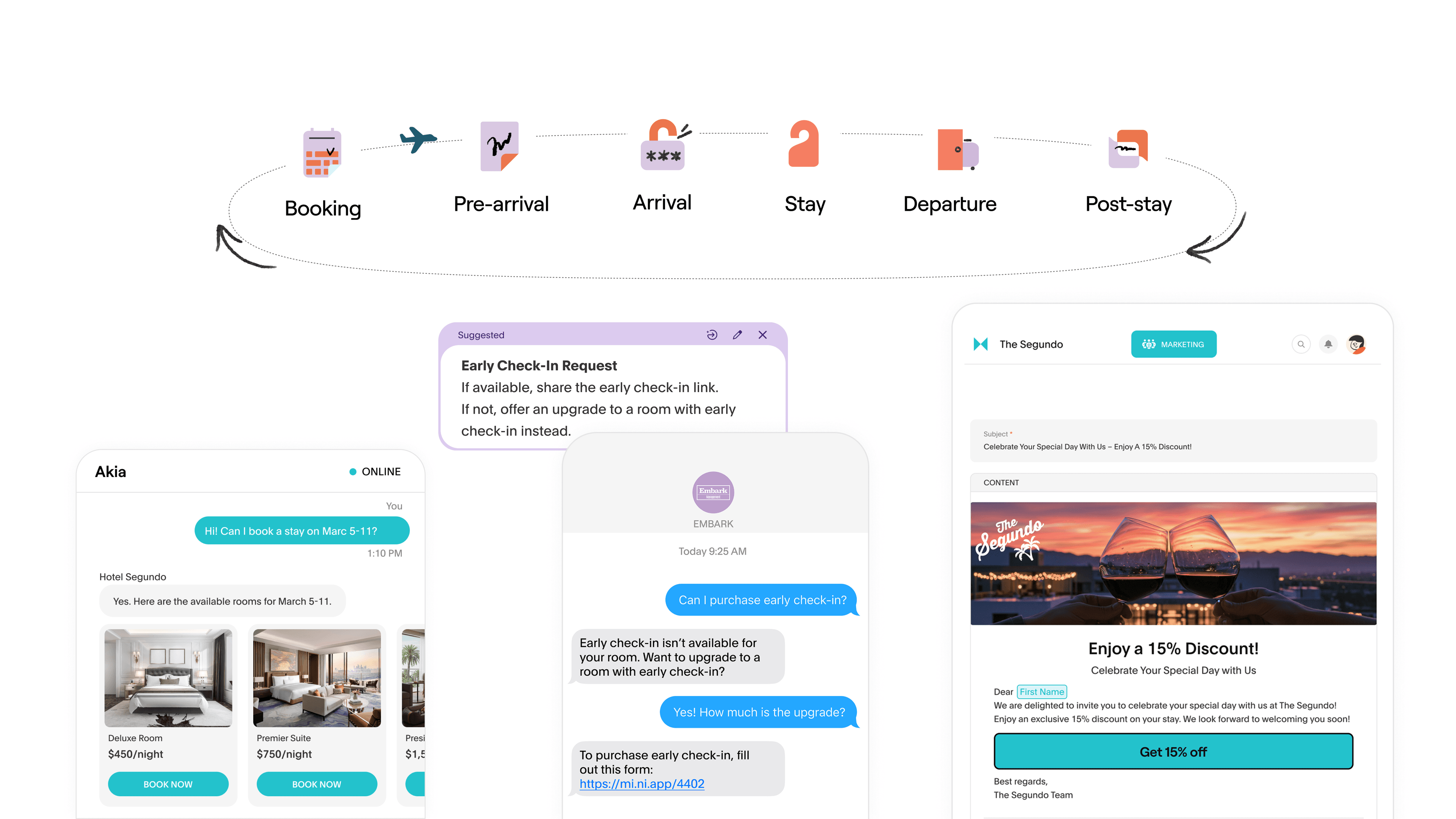
Akia consolidates all guest channels in one inbox. SMS, WhatsApp, Airbnb, Booking.com, Vrbo, Expedia, web chat, social, and email all route into a single screen. Front desk staff see every incoming message without switching apps or checking separate platforms.
Akia answers routine questions automatically. In Supervised Mode, Akia drafts a response and staff reviews before it sends. In Agentic Mode, Akia replies directly for questions that match established references. Either way, the staff time required per message drops significantly.
Akia learns from every staff response. When a front desk agent answers something Akia didn't know, Akia suggests adding that answer to its knowledge base. When the same question comes in from a different guest on a different channel at 2am, Akia already has the answer.
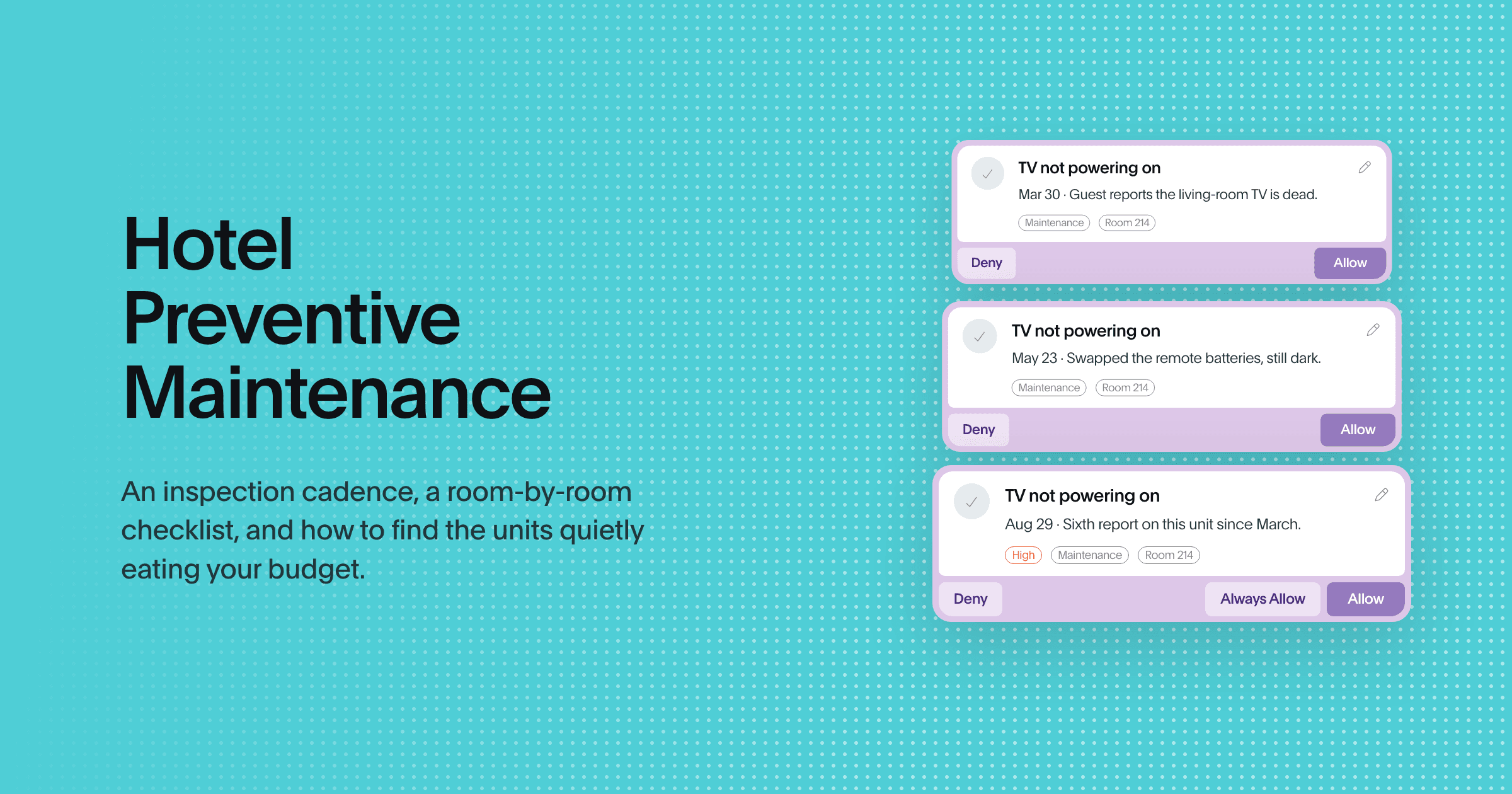
Akia creates tasks and routes them to the right team. When a guest reports a maintenance issue or requests housekeeping, Akia files a task and routes it to the appropriate department without staff intervention. The front desk doesn't carry the message; they see it resolved in the same inbox.
"Before Akia, we spent hours customizing different information in emails for our guests based on different criteria like day of week or condo unit. Now Akia handles all of this automatically, and it really saves time so we can really take care of our guests."
— Maren Trader, Office Manager, Fairfield Plantation Resort
"We definitely would be in a worse situation if not for Akia. With a team of only two, we'd probably need to hire at least 2 more people for example for answering phones and emails separately if we didn't invest in Akia's platform. This system has greatly helped in keeping our operational costs at bay."
— Justin Jurist, VP/Portfolio Manager, Coastal Maine Vacations
Getting started: three steps before you evaluate any vendor.
1. List every channel your guests currently use to contact the property. SMS, WhatsApp, Airbnb messages, Booking.com inquiries, email, phone — write them all down. If you can't produce that list, any tool you evaluate will leave at least one channel unaddressed. The phone is the one most evaluations skip, because it sits on separate infrastructure from everything else. What a hotel PBX is, and what AI replaces covers how that piece fits.
2. Count how many apps your front desk opens during a typical shift. If the number is four or more, the problem isn't any single tool — it's the fragmentation. Any evaluation should be oriented around reducing that number, not adding to it.
3. Ask every vendor you demo to show you the live PMS integration. Not a screenshot, not a slide about supported integrations — the actual sync, live, with a test reservation. If they can't demo it live, the integration requires more setup than the sales deck suggests.
The front desks that run on fewer tools, with better AI coverage, outperform the ones that have more software but more fragmentation. Fewer tabs. Fewer missed messages. Fewer handoffs that rely on one person knowing where to look.
See how Akia's unified inbox works, or book a demo to see it running across your property's channels.