Simplify refund management
Managing refunds can be a time-consuming process that disrupts your team’s efficiency. With Akia Pay, issuing a refund is simple and integrated into your existing workflow. By processing refunds directly within the Akia platform, you save time and eliminate the need to juggle multiple systems, reducing the risk of errors and improving overall guest satisfaction.
How to refund a guest
- Navigate to your Settings by clicking on your profile on the top right.
- On the left Menu under Account, Click on Payments.
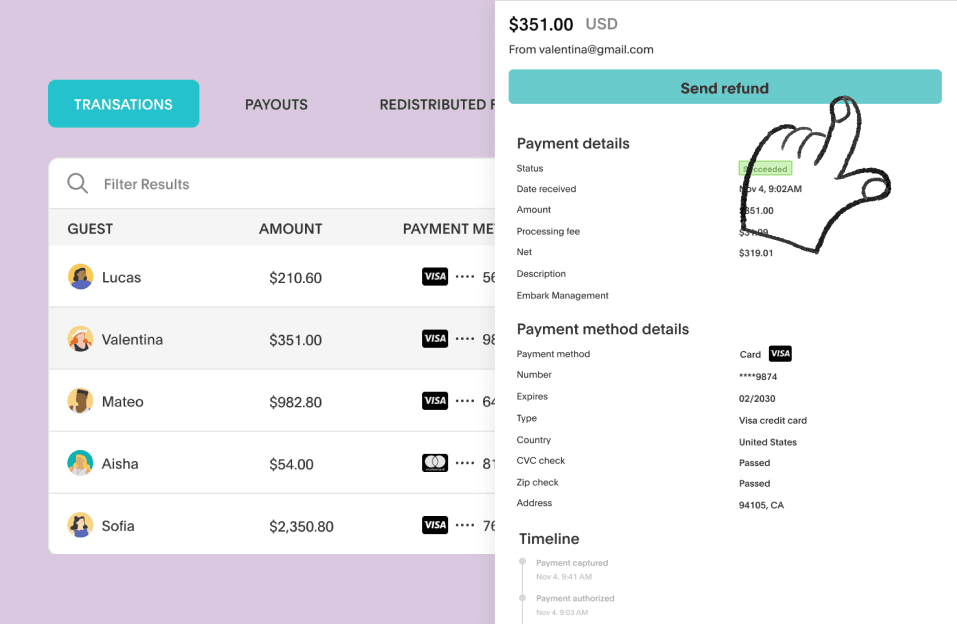
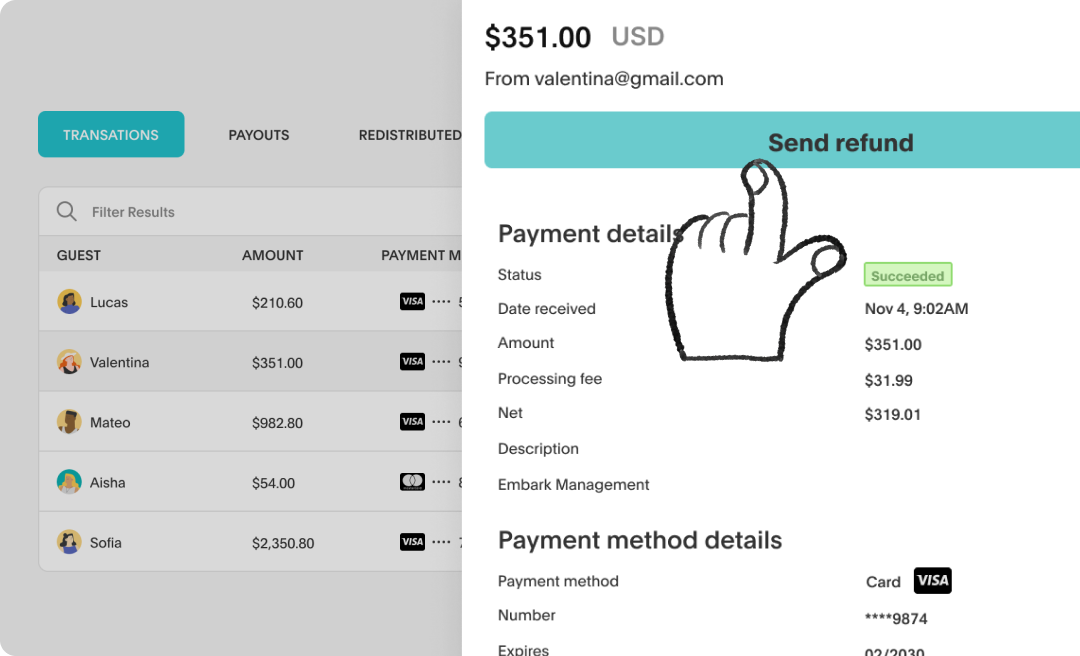
- Click on the guest, and it’ll open their payment details.
- Click on the blue button that says Send Refund.