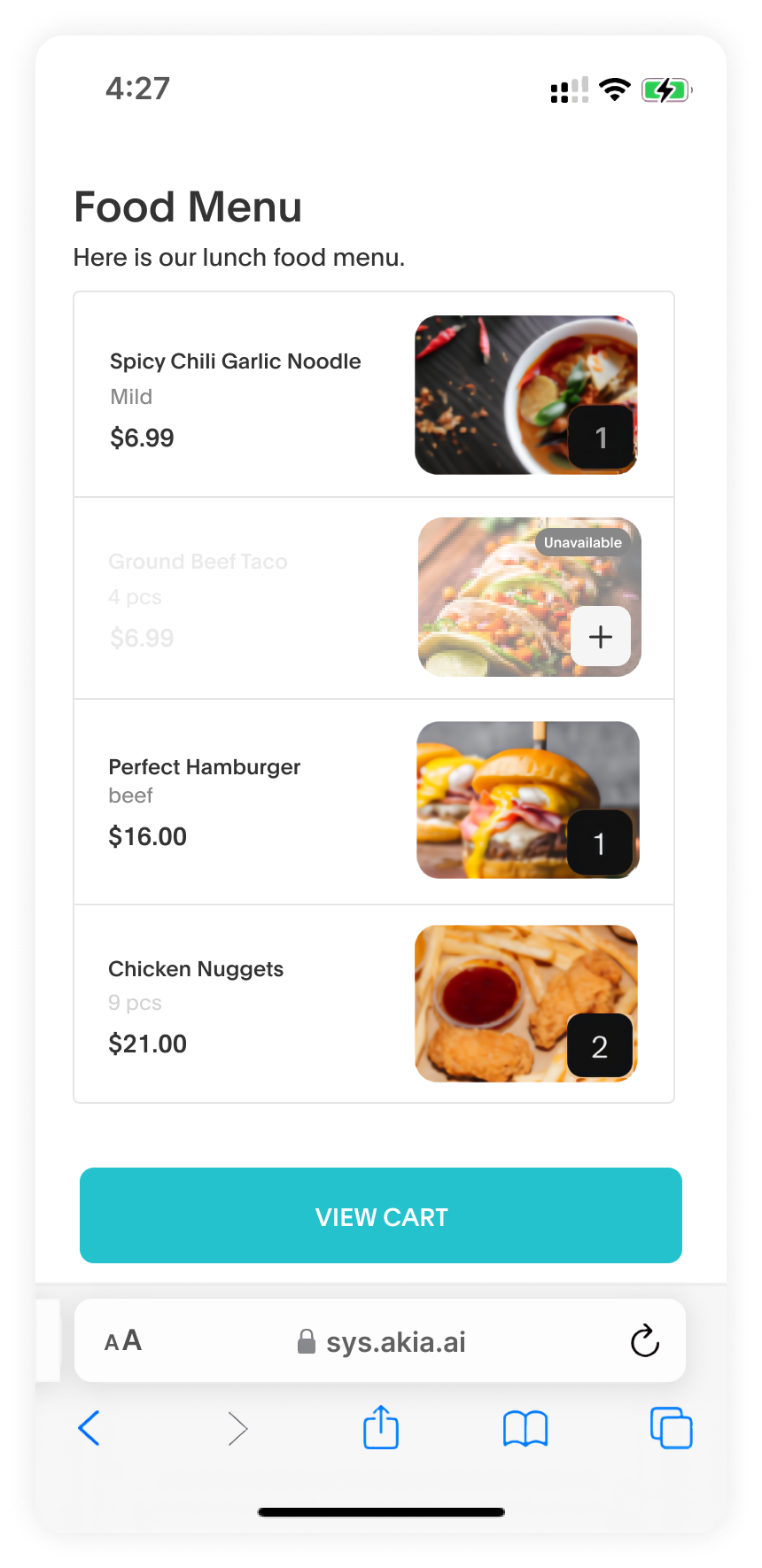
Managing inventory can be challenging, especially when items run out. Guests might unknowingly order unavailable items, leading to refunds and frustration.
Share digital menus directly with guests and mark items as unavailable to prevent accidental purchases. When you update the item to show as unavailable, guests will automatically see it in the digital link. This feature helps avoid refund hassles and last-minute explanations. If an item goes out of stock, create a task for your team to restock it and resume sales smoothly.
What is a Mini App?
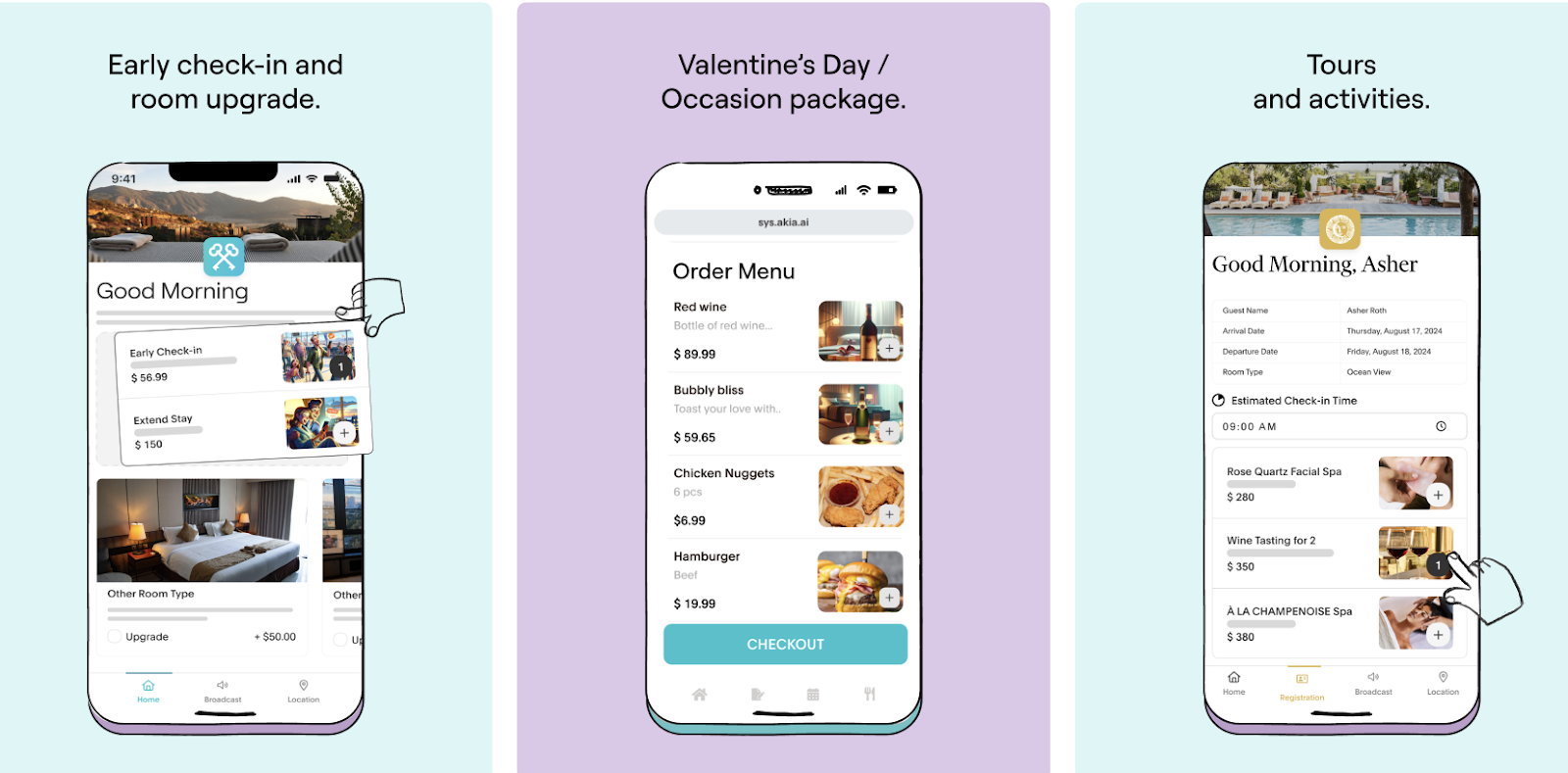
With Akia’s Mini App, you can create customizable digital guides, registration cards, surveys, order menus, and more using a drag-and-drop interface. With text messaging achieving open rates of 98%, sending these via text ensures your guests see your message and respond immediately.
How to mark items as Out of Stock:
- Navigate to your Akia portal.
- Click on the Mini Apps icon.
- Select Collections on the right side of the page.
- Click the Menu on the left side
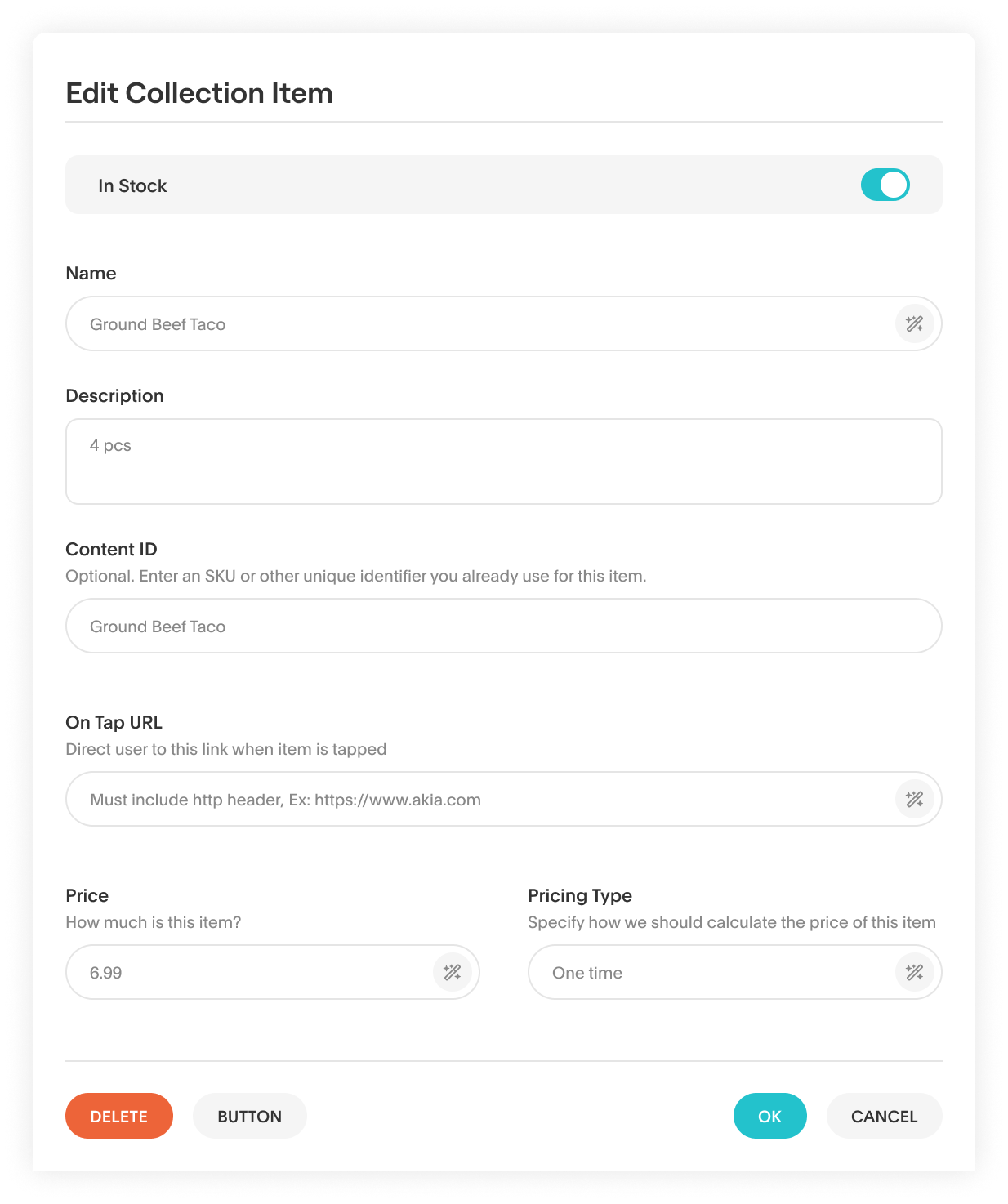
- Locate the item that is unavailable and click on it.
- Toggle the button off (it will turn gray) to mark the item as unavailable.
Here’s how it will appear in your Mini App.