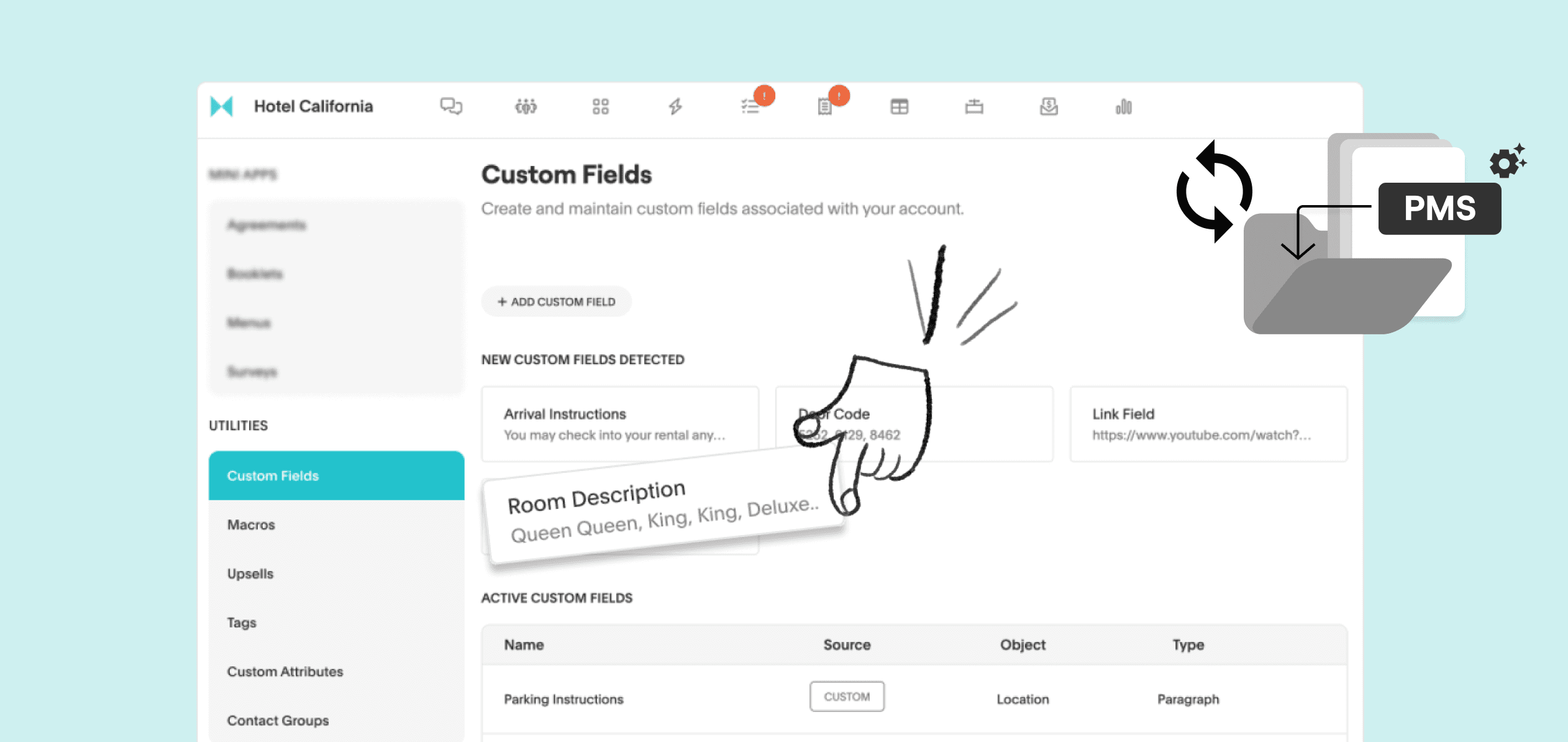
Effortlessly capture guest data and sync all your important guest information from your PMS to Akia. Ensure that all guest information and custom data fields are seamlessly integrated, enabling you to pull important data for your guest communication.
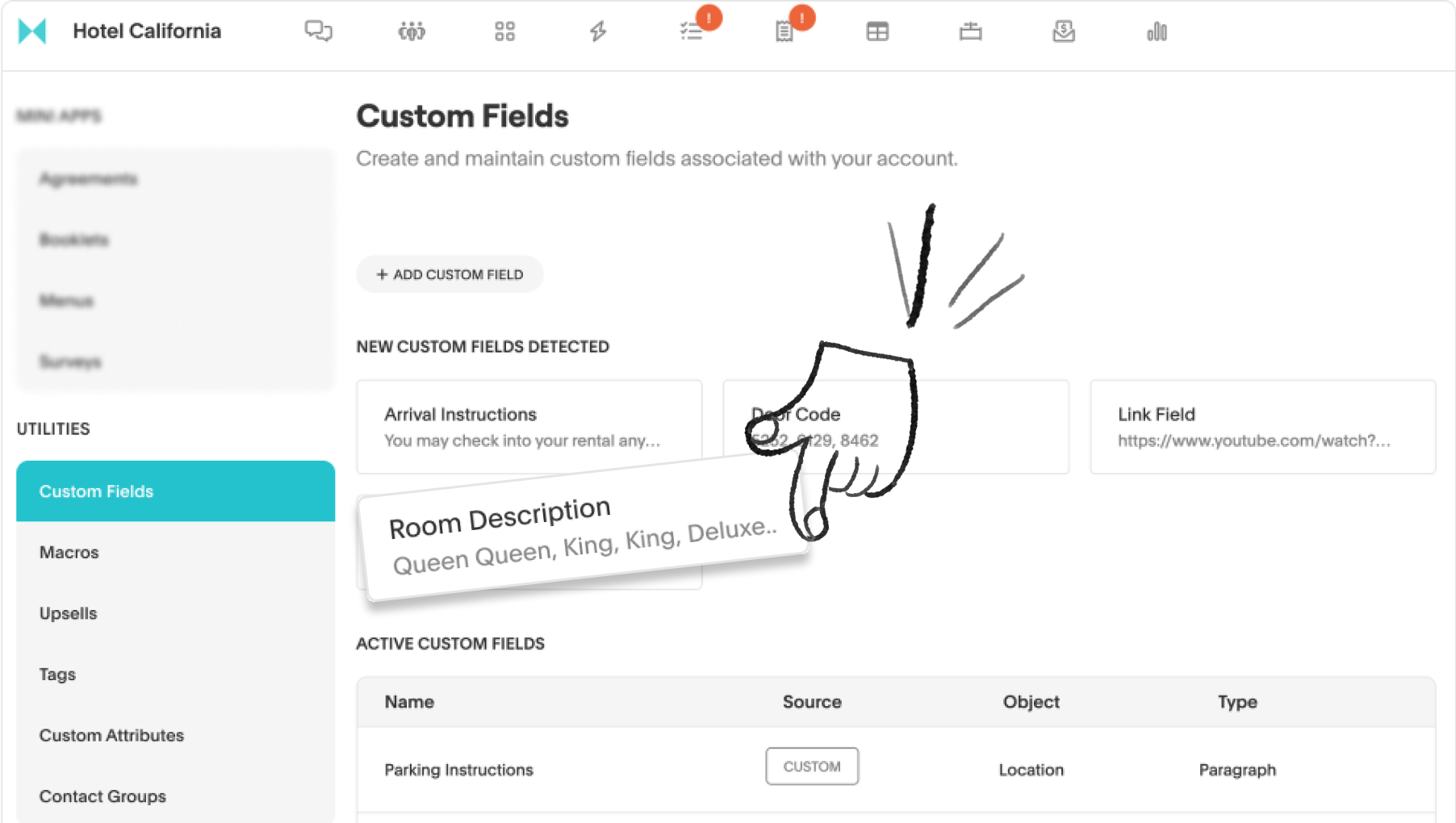
Benefits of custom fields integrated with Akia:
- Seamless data integration: Automatically sync custom fields from your PMS to Akia, eliminating the need for manual input, and relying on assistance.
- Personalized guest experience: Capture and store specific guest preferences to tailor communications and enhance their stay.
- Improved data management: Centralize guest data within Akia to ensure accuracy and accessibility for your staff.
How to set up custom fields in Akia:
- Click on your profile on the top right. In the drop down, click on Settings.
- On the left column under Utilities, click Custom Fields.
- Click the + sign to add a custom field
- Name the label, select the type, and object.