Every AI agent makes two kinds of decisions: what to say, and how to act. Those are different problems, and they deserve different controls.
That's the idea behind how we've restructured Akia's AI Agent configuration. Your settings are now organized around two core concepts: the Knowledge Base and Skills. Understanding the difference between them is the fastest way to get more out of your agent and the first place to look when something needs to be adjusted.
Here's what each one does.
Knowledge Base: What Akia Knows
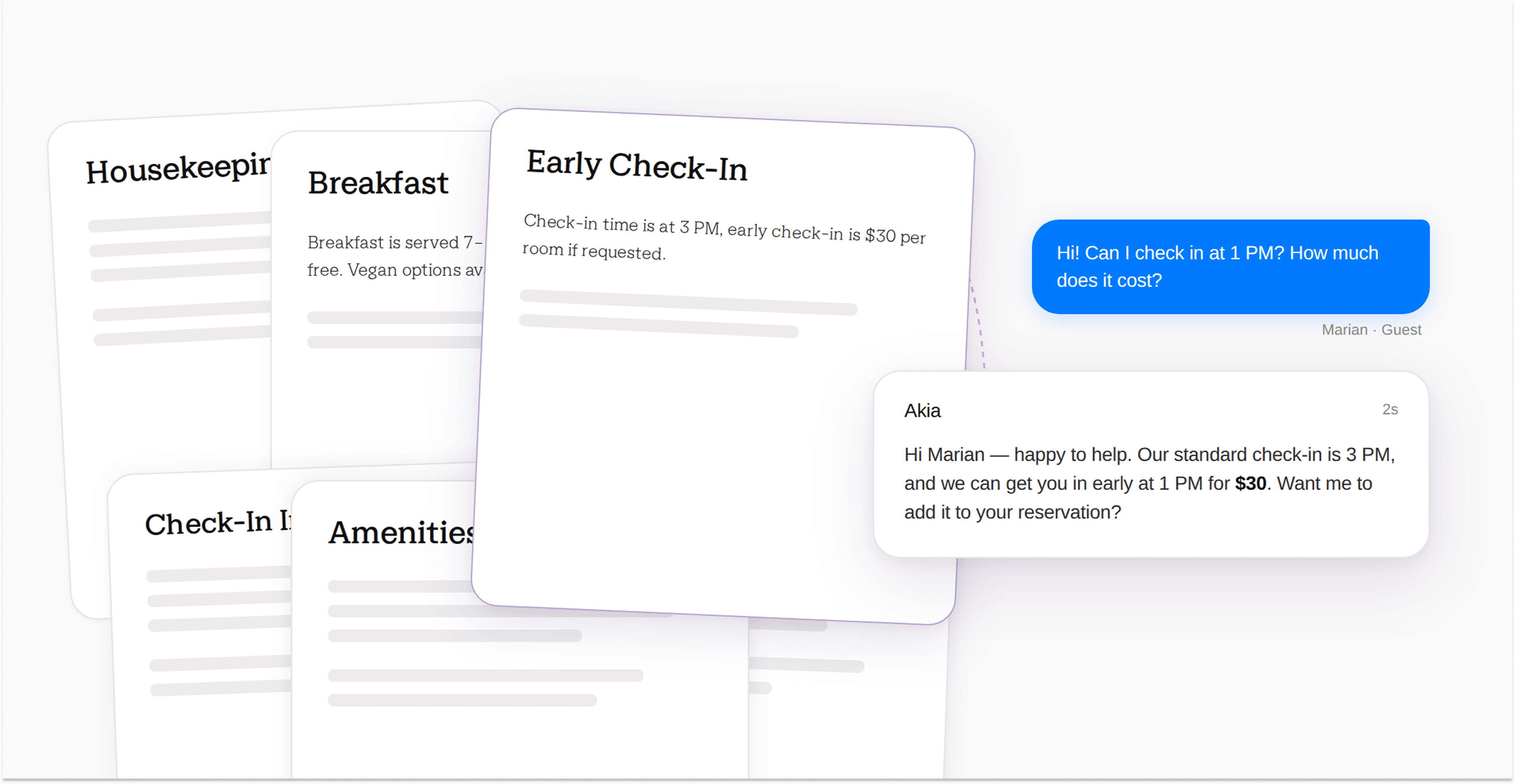
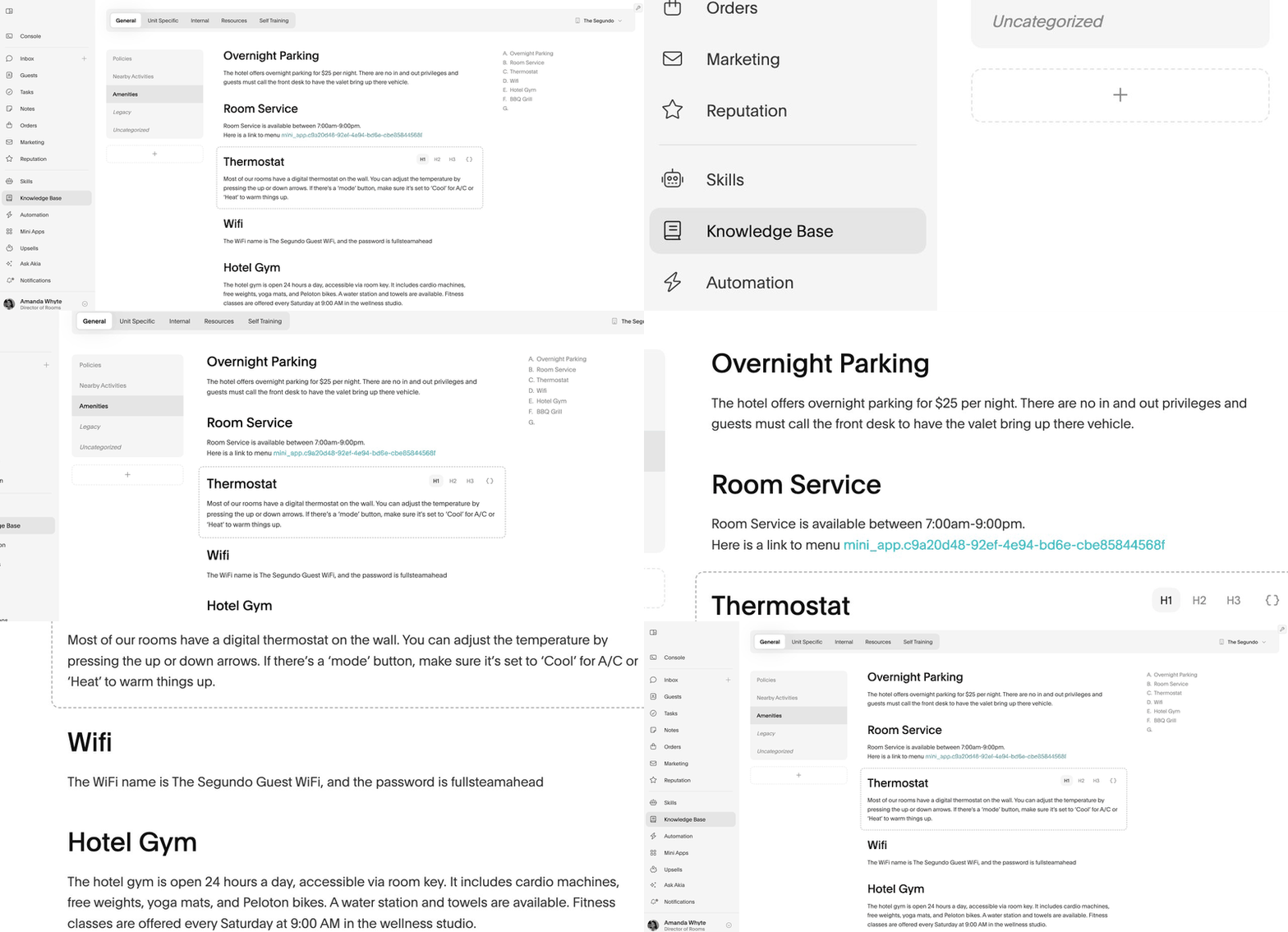
The Knowledge Base is Akia's internal reference library. Your team can query it too, with prompts like these. When a guest sends a message, Akia searches here to find the right information to include in her response. Think of it as the context she pulls from: your check-in process, parking instructions, pet policy, restaurant recommendations, frequently asked questions, and anything else that helps her answer a guest accurately.
You organize it into categories (like Pre Arrival, Nearby Attractions, or House Rules) and add sub-sections within each one. The more content you provide, the more confident and accurate Akia's responses will be. If Akia is struggling to answer a type of question, the Knowledge Base is almost always where the fix lives. Your team draws on that same library through Ask Akia.
One thing you don't need to duplicate here: anything already stored in your PMS or Akia custom fields. Akia pulls that data automatically. The Knowledge Base is for everything else.
Skills: How Akia Behaves
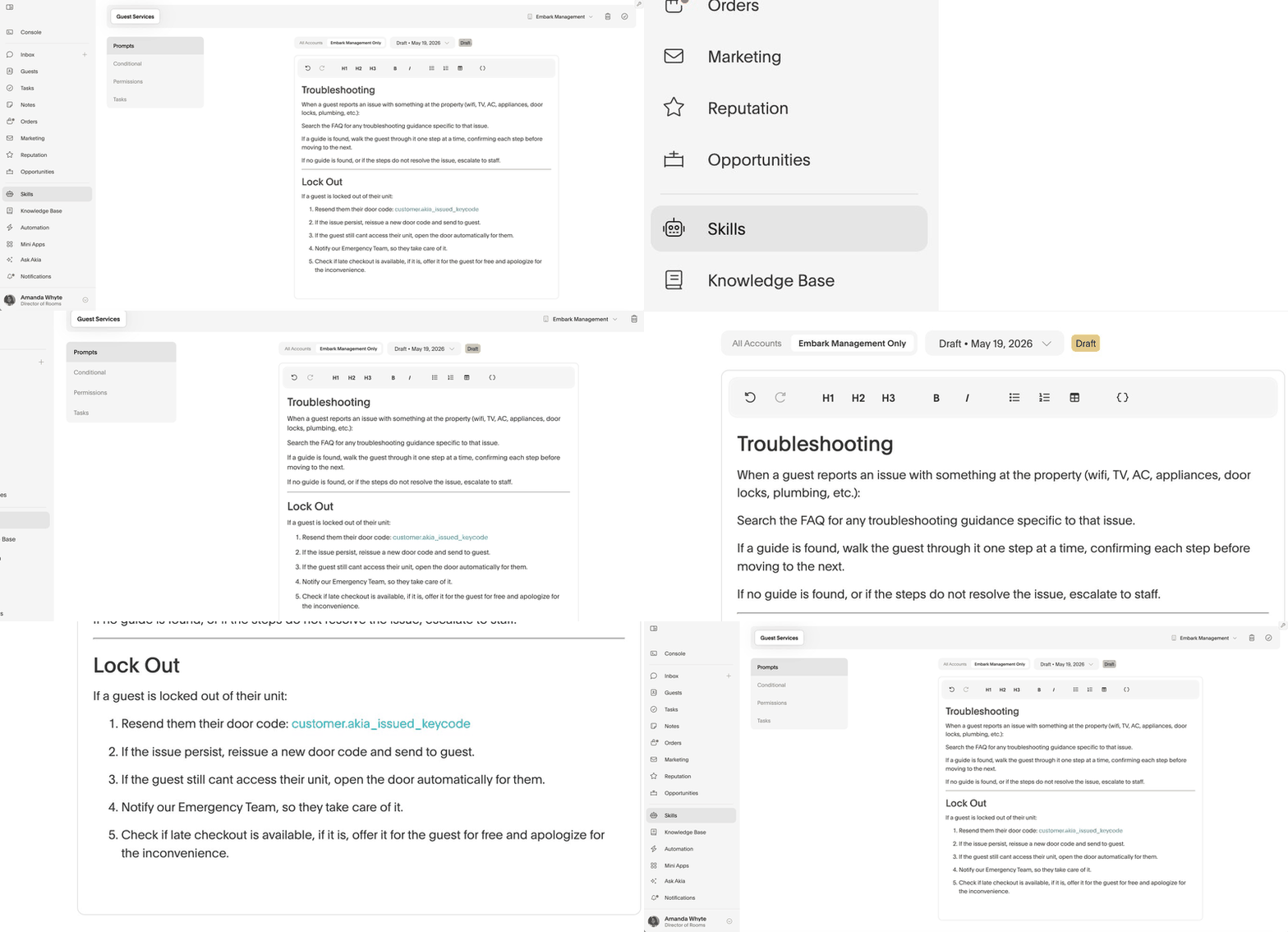
Skills are a different kind of input entirely. They don't tell Akia what to say. They tell Akia what to do.
This is where you define her standard operating procedures: when to escalate, when to stay silent, how to handle sensitive requests, and what tone to use with guests. A skill might look like:
- "Always notify staff if a guest reports an issue in their room"
- "If a guest sounds upset, notify staff immediately and do not respond"
- "When the guest replies 'Checkout,' send this message and escalate to the team"
Skills can be set globally across all your properties, or customized per property if your locations operate differently. If one property is a traditional full-service hotel and another runs contactless, they can have different Skills while sharing the same Knowledge Base.
Why the Distinction Matters
Before this update, setup guidance often blurred the line between these two things. Teams would add operational rules to the Knowledge Base, or try to teach tone of voice through factual content. Neither worked well.
Now the separation is explicit. If you want Akia to know something, put it in the Knowledge Base. If you want Akia to do something or act a certain way, put it in Skills. That single distinction makes setup faster, troubleshooting cleaner, and onboarding a new team member significantly easier.
Nothing About Akia Has Changed
If your agent is already configured and running, she will continue to operate exactly as before. This is a structural update to the configuration experience, not a change to how Akia processes or responds to messages.
Head to your AI Agent settings to explore the new layout. If you want help reviewing your current setup, reach out to help@akia.com or visit the help center.